See which notes you play flat or sharp — after you play, not while watching a tuner
PitchLog records your pitch and reveals patterns over time, so you can play by ear and then check your intonation
- See sharp and flat tendencies by note
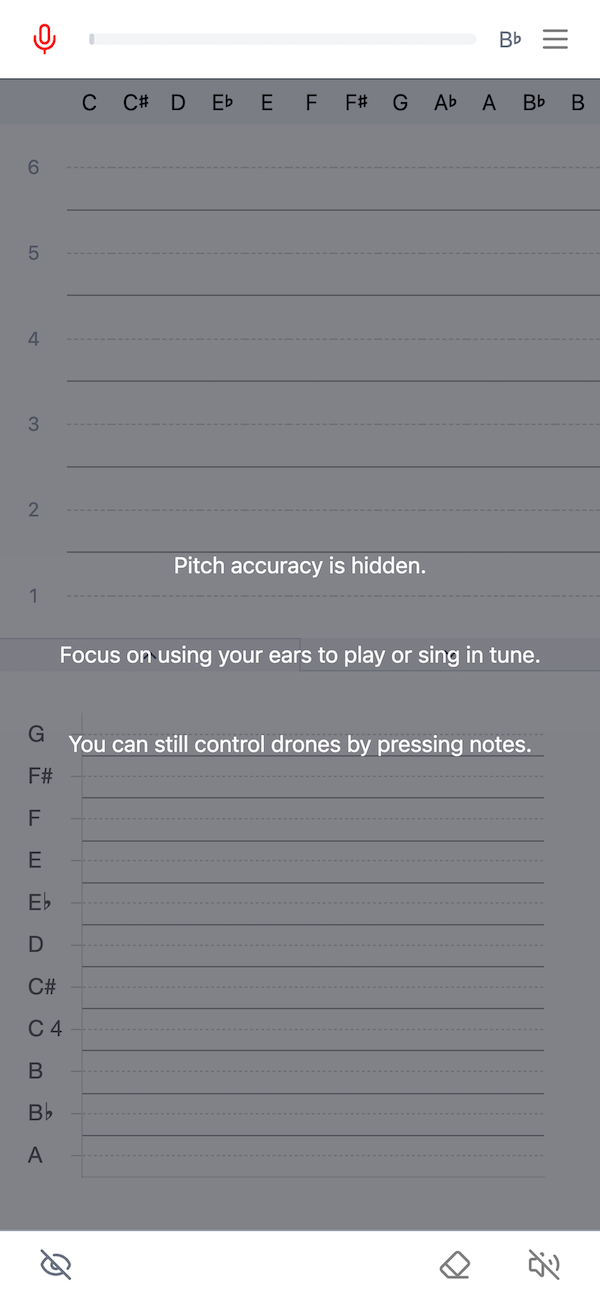
- Practice by ear, not by watching a tuner
- Get clear, post-play feedback on your intonation
Why Watching a Tuner Isn't Enough
Traditional tuners are great for tuning an instrument to a reference note — but they don’t teach you how to play in tune.
Watching a tuner while playing trains you to adjust pitch visually, instead of listening and adjusting by ear.
A better approach is:
- Play without looking
- Listen and adjust
- Check your accuracy afterward
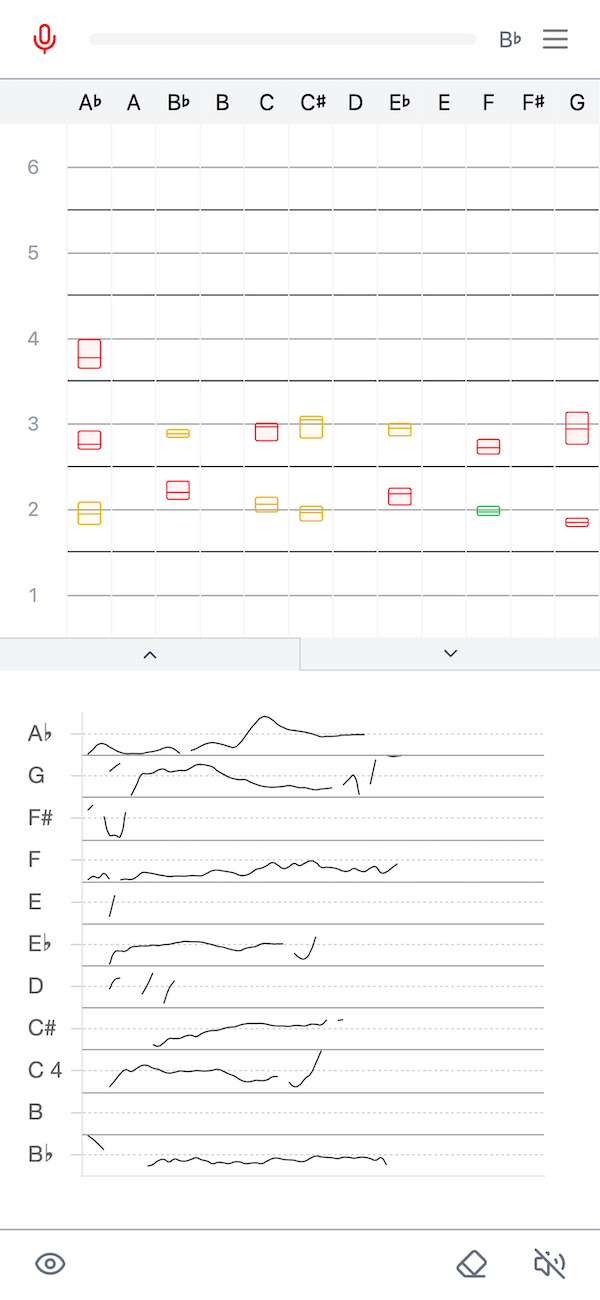
PitchLog logs your pitch while you play, then shows where you were sharp or flat after you finish, helping you train intonation by ear — not by watching a needle.
PitchLog in Action
FAQ
What does the upper chart show?
The upper chart summarizes how in-tune you were for each note. The box shows where the middle half of your attempts landed — this is called the interquartile range (IQR). A shorter box means you were more consistent; a taller box means your pitch varied more.
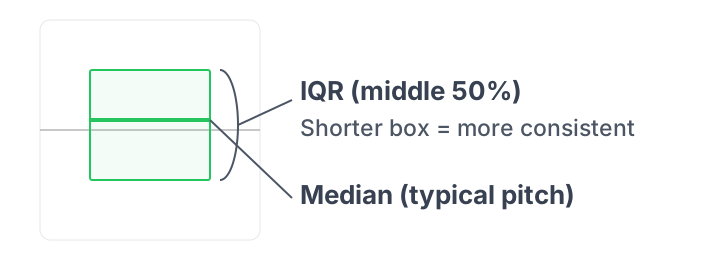
The line inside the box is your typical result (the median). If it sits above 0 cents you tended to be a bit sharp; below 0 cents means a bit flat.
Use this to spot notes that drift and whether you’re generally sharp or flat on each one.
Can I change the starting note of each row in the upper chart to be the tonic?
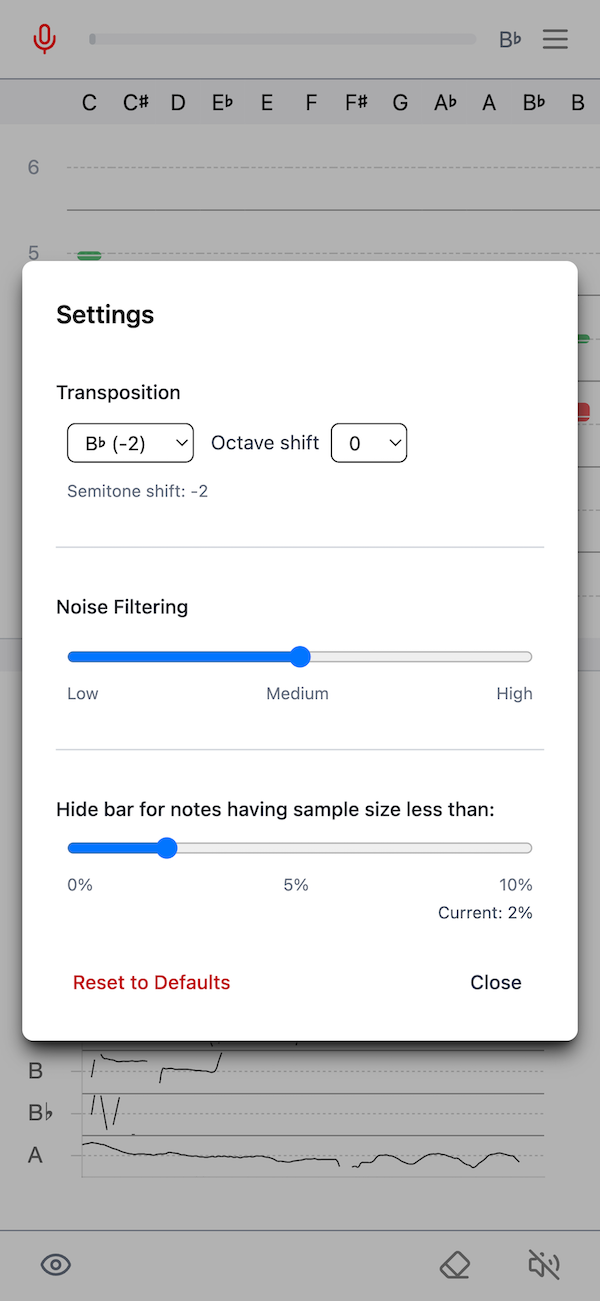
Yes. Click any note name in the header row to set it as the tonic. The columns rotate so each row begins at that tonic; your data and transposition remain unchanged.
This sets a global tonic for the chart and helps compare intonation relative to a key center.