Find the moments to revisit
See which notes landed flat, sharp, or unstable so the next repetition has a clear focus.
Sing or play without watching a tuner. When the take ends, PitchLog shows which notes were flat, sharp, or unstable—so you know what to practice next.
Runs in your browser. No download. Microphone audio stays on your device.
For voice, winds, brass, strings, and other pitch-focused practice.
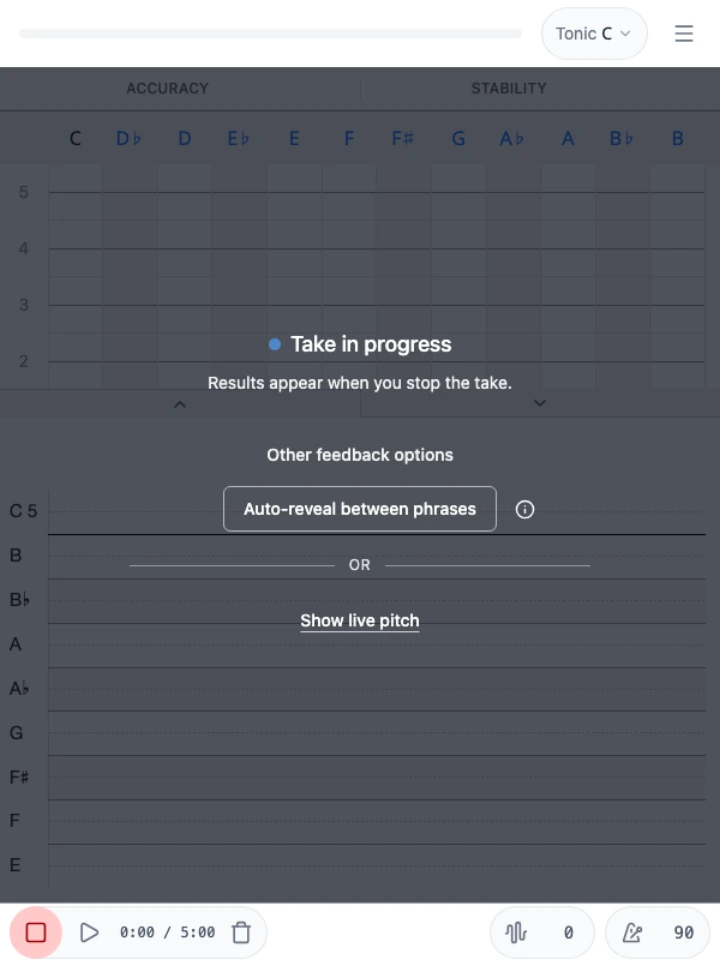
Pitch feedback stays hidden by default. Finish the take to review, or reveal results between phrases.
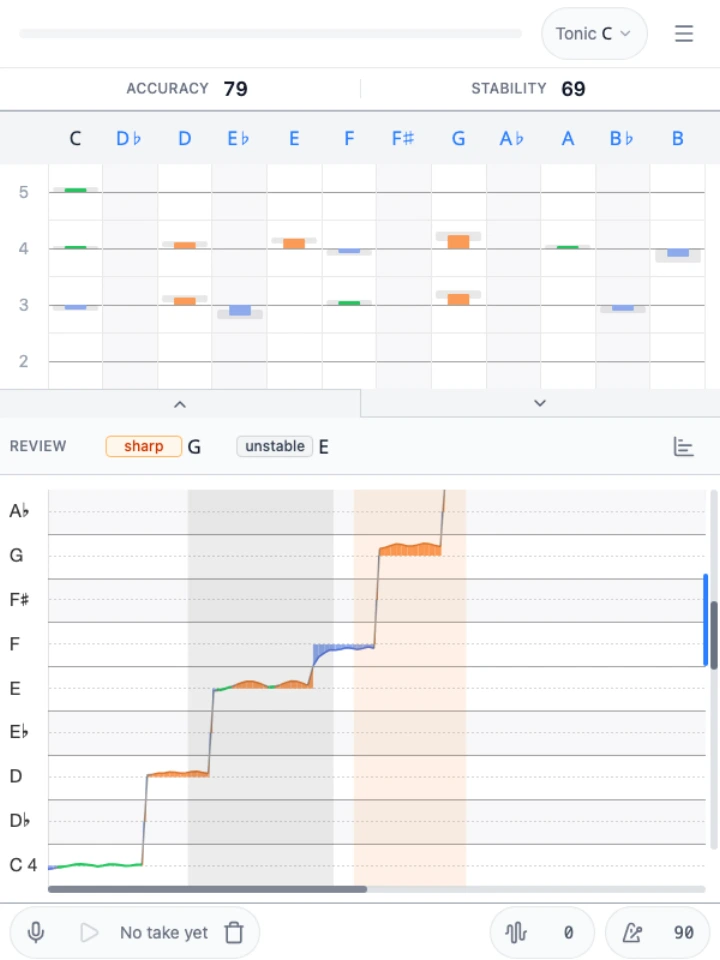
Accuracy shows how centered your notes were. Stability shows how steadily you held them. Use both to choose what to practice next.
A tuner helps you correct pitch while watching. PitchLog helps you listen first and decide what to work on afterward.
See which notes landed flat, sharp, or unstable so the next repetition has a clear focus.
Use built-in drones and a metronome without leaving the take or switching apps.
Adjust transposition, note range, reference pitch, and filtering for voice or instrument practice.
No. Your phone or laptop mic is enough to start. If you use a drone or backing track, wear headphones to reduce bleed into the mic.
Google Chrome is recommended for the most consistent microphone behavior. Other modern browsers may work.
It is designed for practice feedback and pattern spotting, not lab-grade measurement. Room noise, mic quality, and tone clarity affect results.
Your microphone audio stays on your device. PitchLog does not upload recordings. Replay audio is temporary; starting a new take or clearing it removes the previous recording.
Yes. Audio replay is on by default, so you can listen back while reviewing your pitch. You can turn recording off in Audio settings and still see your pitch analysis.
Pitch feedback stays hidden by default so you can listen first, then review. You can also reveal results between phrases or turn on live pitch.
See Help for a 30-second practice loop.